 Rehla User Manual
Reservations
Managing bookings for your trips
Reservations are the heart of your booking system. A reservation links a Client to a Trip, securing their spot and tracking their payments.
Overview
The Reservations tab allows you to oversee every booking for a given trip or client. Whether a client booked through the app or you created it manually, all records live here.
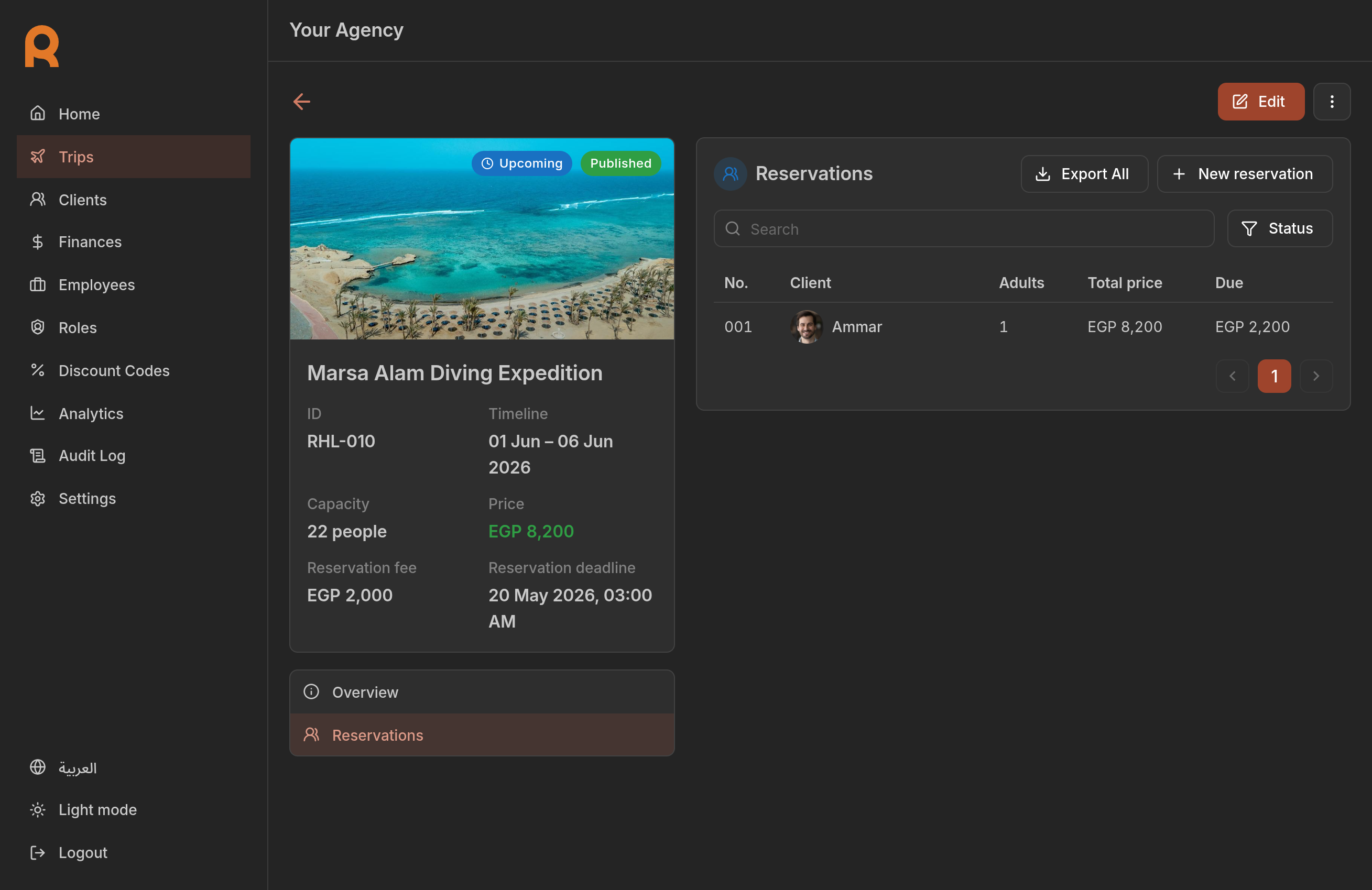
Key features
- Track bookings: see who is going on which trip.
- Manage payments: record cash payments, view online transactions and refunds.
- Modify bookings: update guest counts or add payments.
- Cancellations: process cancellations according to your policies.
The booking lifecycle
A reservation changes states as it progresses:
Created
Client books a spot.
Payment Pending
Waiting for deposit or full payment.
Confirmed
Payment received, spot secured.
Completed
Trip has finished.
The reservation status is automatically updated based on the payments and actions taken.
Getting started
To manage bookings, click on the Reservations tab in any trip or client details page.