 Rehla User Manual
Employees
Managing your team members
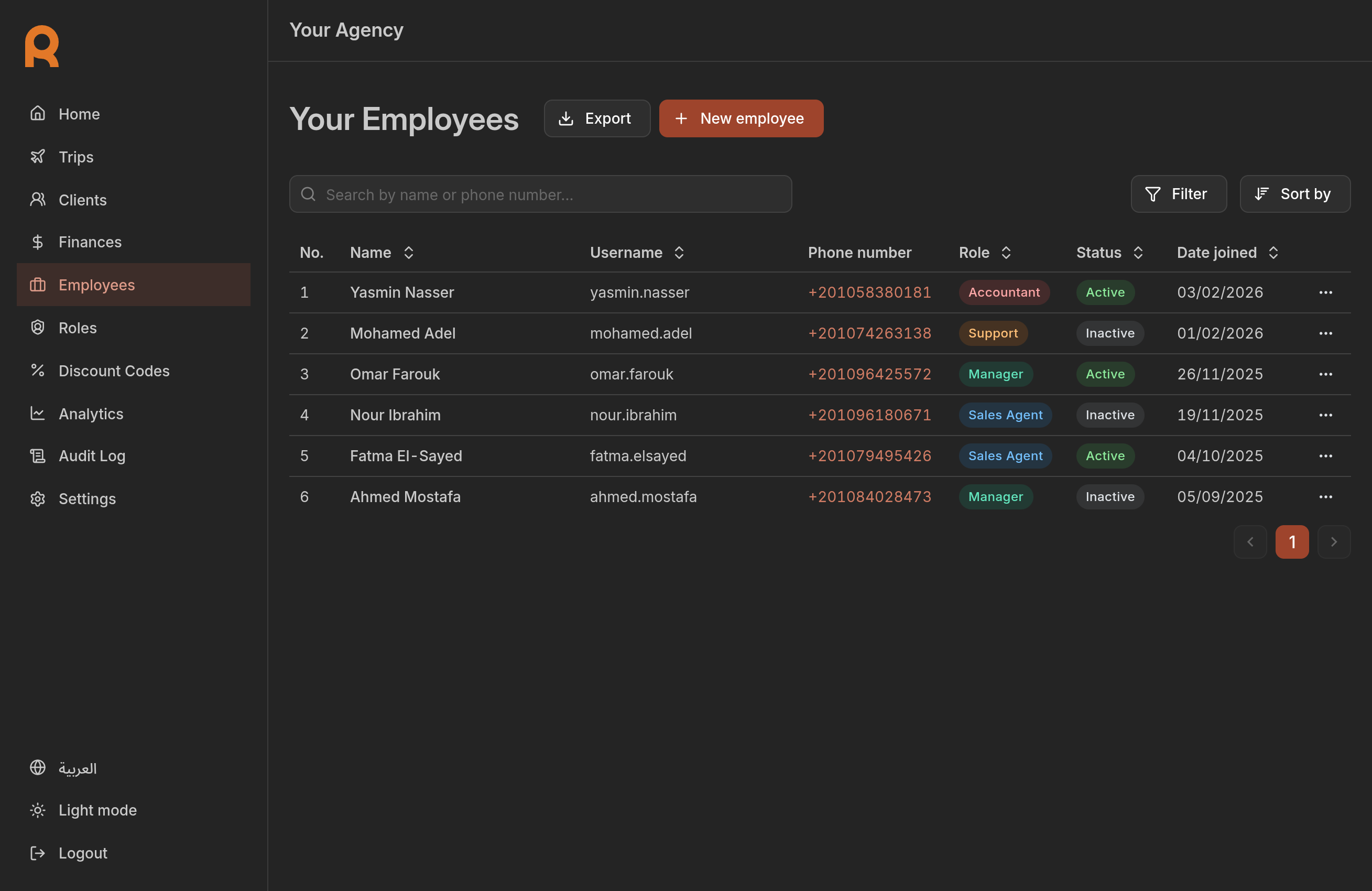
The Employees section allows you to manage the team members who have access to your admin dashboard. You can create accounts, assign roles, and control access levels to ensure security.
Overview
Each employee account consists of:
- Profile information: name, username, and contact details.
- Role: determines what the employee can see and do.
- Status: controls whether the account is currently active or blocked.
Getting started
To access the employee management tools:
Navigate to the Employees section in the sidebar.
You will see a list of all current employees associated with your agency.